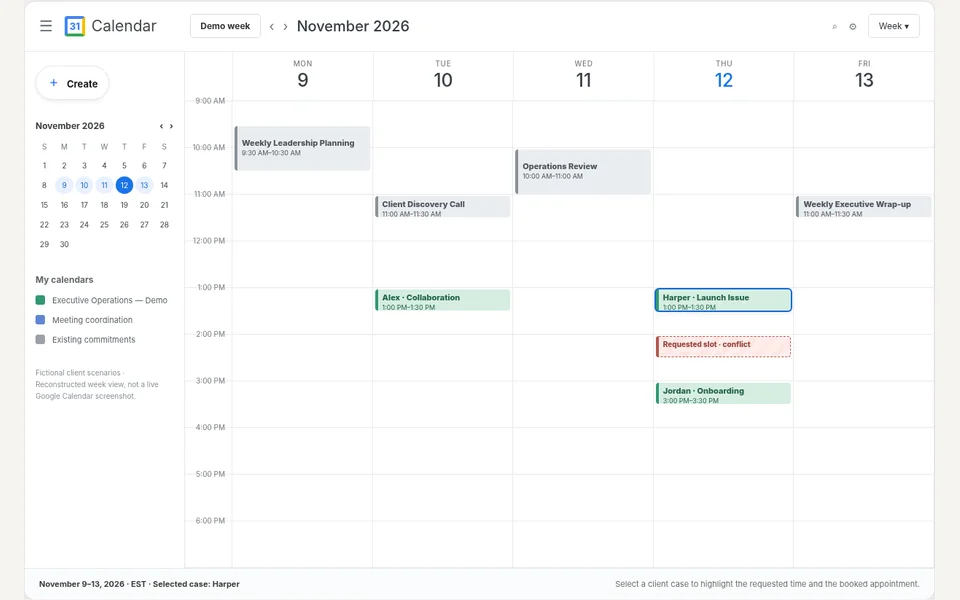
 Independent project · Fictional client scenarios
Executive Scheduling & Meeting Coordination
Google Calendar scheduling exercise with conflict resolution, meeting agendas, and action tracking.
- Google Calendar
- Google Docs
- Google Sheets
/Workplace project
Enrolling a verified learner used to take eight separate steps inside WordPress and LearnDash. Now authorized staff submit one form, and the workflow does the rest.
8 → 1
Eight manual steps to one staff submission
A before and after comparison of the process, not a measured time saving.
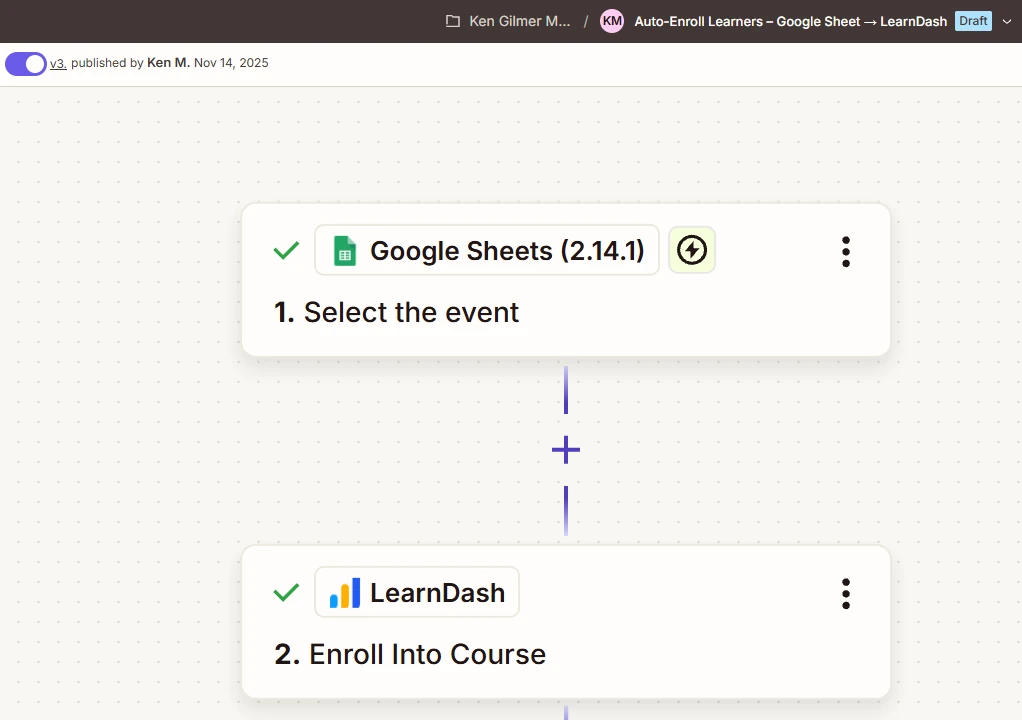
After payment and readiness are verified by a person, staff enter the learner and course in Google Forms. Sheets records the request.
Apps Script checks WordPress for the learner's account by email and reuses it, or creates a new one.
One Zapier step passes the learner and course to LearnDash, which assigns access.
The learner gets access or password-setting guidance; an administrator gets a confirmation.
Step 1: Staff verify
Payment and readiness checked (done by a person)
Step 2: Google Form
Staff submit learner and course (done by a person)
Step 3: Google Sheets
Records the request
Step 4: Apps Script
Finds or creates the WordPress account
Step 5: Zapier to LearnDash
Assigns the course
Step 6: Notifications
Learner guidance, admin confirmation
Independent project · Fictional client scenariosGoogle Calendar scheduling exercise with conflict resolution, meeting agendas, and action tracking.
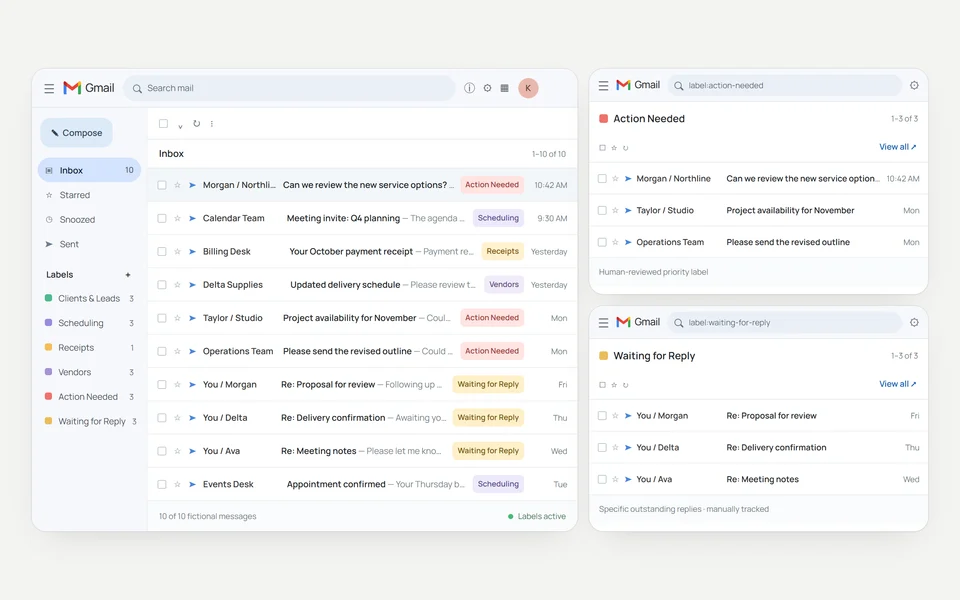 Independent project · Fictional sample emails
Automatic labeling, focused inbox views, and faster email handling.
Ongoing support or one specific project. A few lines on what you need is plenty, and I reply by email.
 Ken Macawili